A tour of Settings
Settings is the gear at the top of the Spaces and Overview tabs. It is grouped from the things you set once to the things you rarely touch.
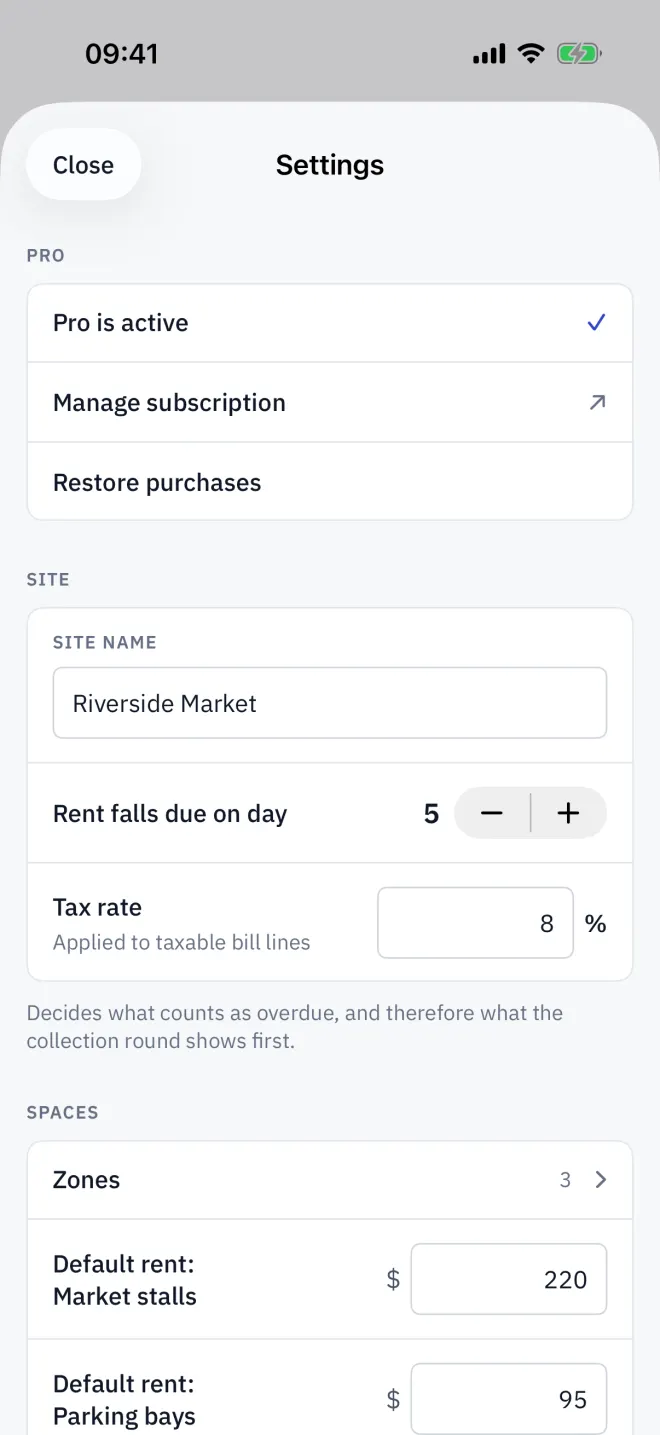
| Group | What is in it |
|---|---|
| Pro | Upgrade to Pro, or Manage subscription once you have it, and Restore purchases. |
| Site | Site name, Rent falls due on day (1 to 28) and Tax rate. |
| Spaces | Zones and a default rent for stalls, bays and units. |
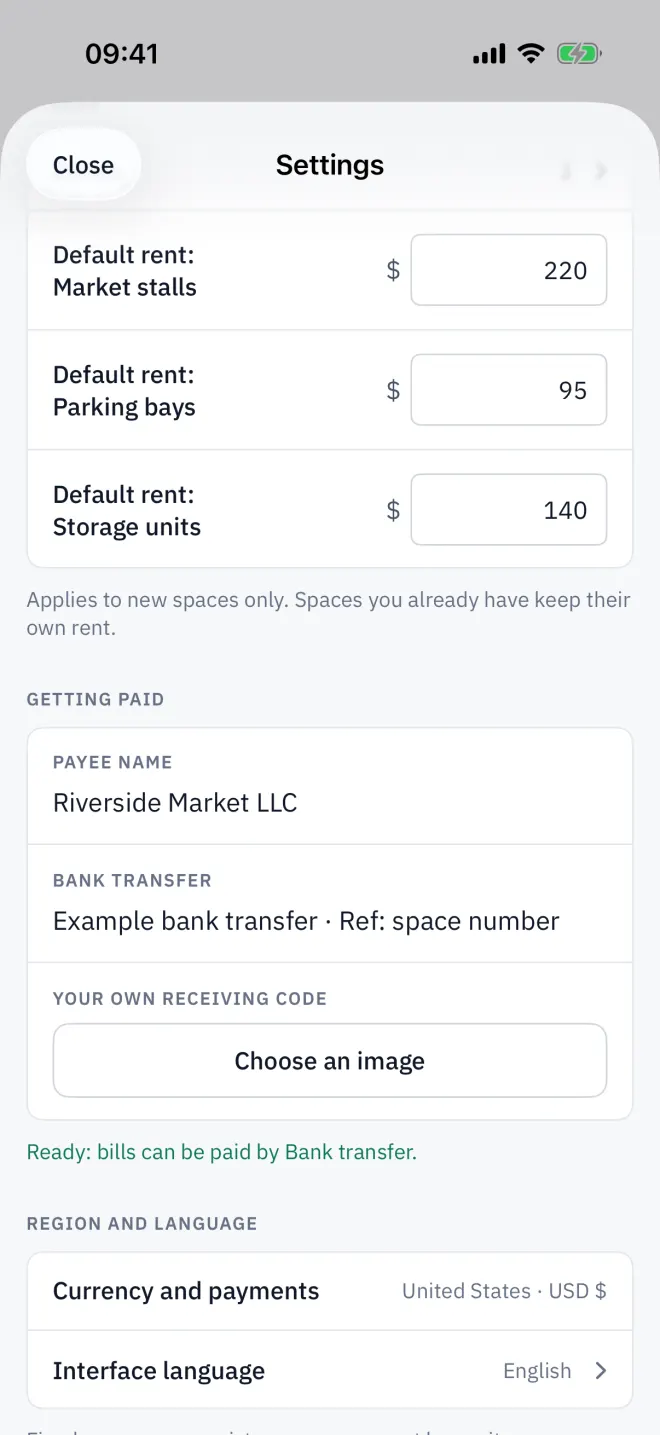
| Getting paid | Payee name, your ID for each payment method, and Your own receiving code. |
| Region and language | Currency and payments and Interface language. |
| Data | iCloud sync, Backup & restore and Build a workbook. |
| Help | Show the setup guide, Help & support, Privacy policy, Terms of use (EULA) and App version. |
| Danger zone | Erase everything. |
The due day
Rent falls due on day decides when an unpaid bill turns from Due to Overdue, and so what the collection round shows first. From that day of the month, unpaid spaces count as overdue.
Tax
Leave Tax rate at 0 if you do not charge tax. A rate applies to taxable bill lines on current bills; sealed bills keep the rate they were closed with. Overview's figures exclude tax.
Getting paid
The fields depend on your market. The line under the group says whether bills can be paid yet, or which details are still missing.
Erase everything
Erase everything deletes every space, tenant, bill, payment and document on this device and in iCloud, and returns you to setup. The dialog offers Back up first; take it.
Read next
Zones and spaces
Group Letnook spaces into zones of market stalls, parking bays or storage units. Add a zone, add a space to it, rename zones and delete spaces you no longer let.
NextRecording a payment
Take a payment in Letnook: show a QR code with the exact amount (PromptPay, QRIS, Pix, VietQR, KHQR), your own QR, bank details or cash, then mark it received.
NextLanguage and market
Letnook keeps the interface language separate from the market, which sets currency, number format, calendar era and payment methods. English in baht works fine.